Click Add to Discord
Choose the server you want to add the bot to. You'll need the Manage Server permission on that Discord server.

Discord voting bot
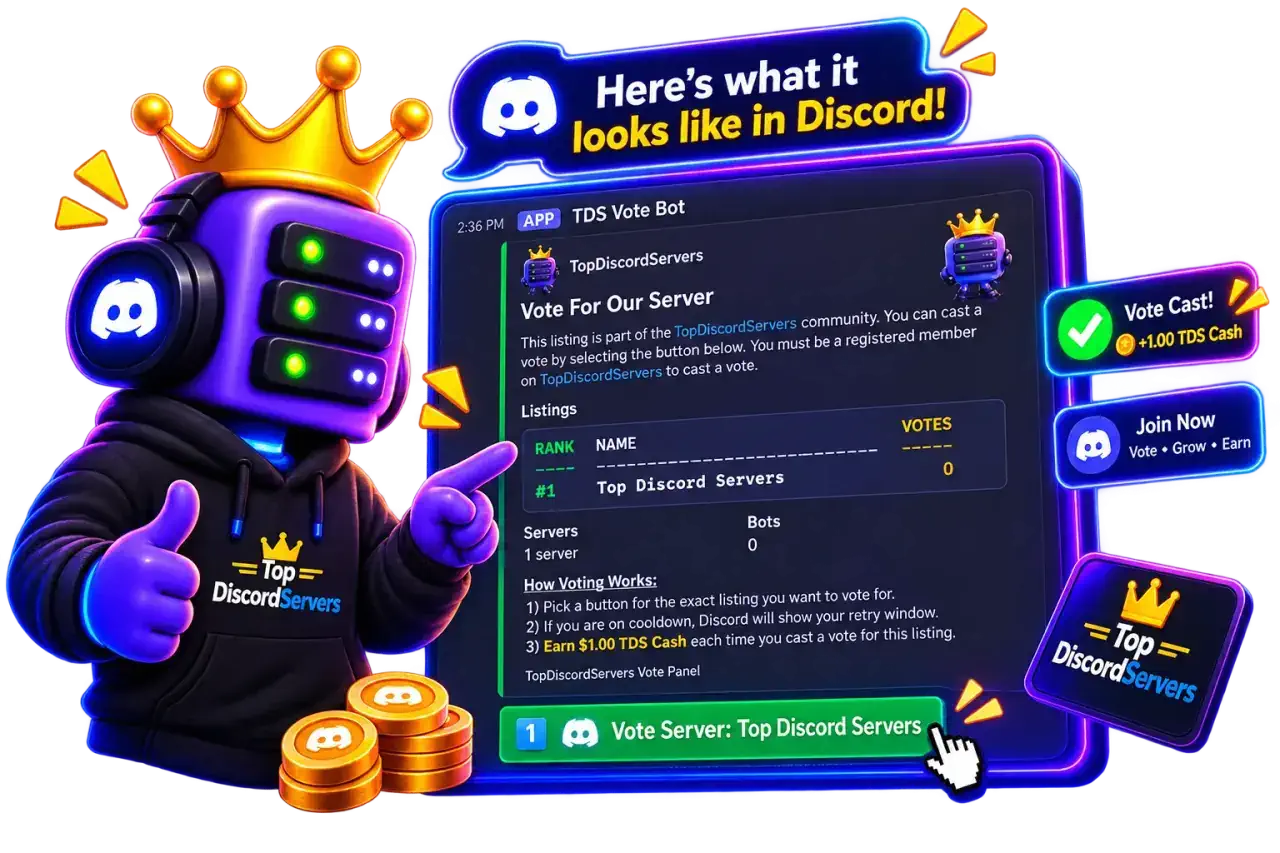
Add the TDS Vote Bot to your server, post a live voting panel in any channel, and let members cast a vote with a single click. Your rank and vote totals stay current automatically.
How It Works
Follow this guide once, and your voting panel keeps itself updated from there on.
Choose the server you want to add the bot to. You'll need the Manage Server permission on that Discord server.
Review the requested permissions: View Channels, Send Messages, Embed Links, and Read Message History. Click Authorize to finish adding the bot.
In the channel where you want your live vote panel to post, run the /vote-channel slash command.
Pick the server or bot listing this channel should track. The panel's rank and vote totals stay current automatically as they change.
Anyone in your server can press the vote button. TopDiscordServers verifies their account, applies cooldowns, and refreshes the panel in real time.
Don't have a listing yet?
The vote bot posts a panel for listings you already manage on TopDiscordServers. Add yours, then bring voting into Discord.