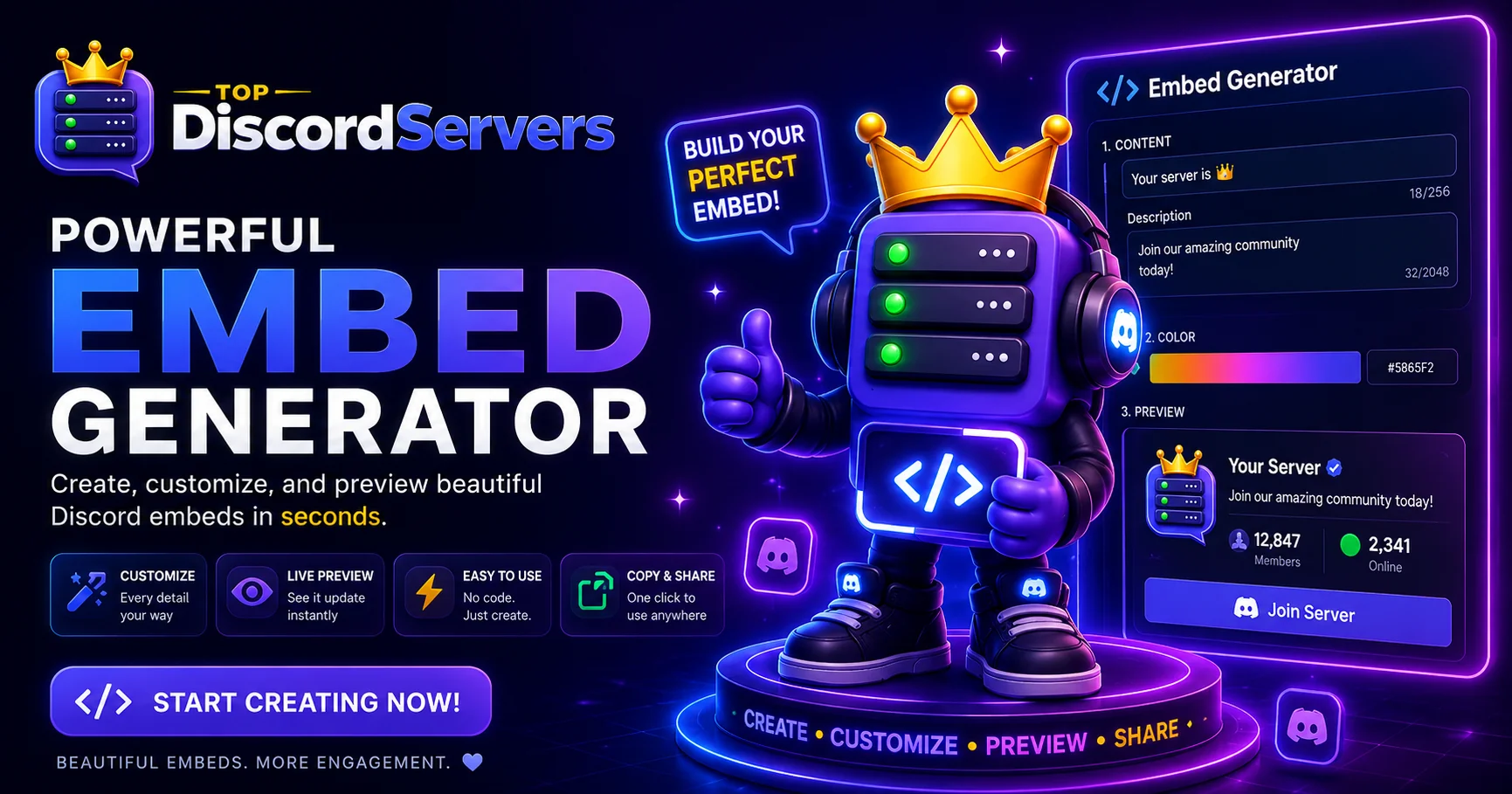
Clean, professional messages make a Discord server look trustworthy the moment someone joins, and the fastest way to get there is with a great embed. The new Discord Embed Generator on TopDiscordServers lets you design rich embeds visually, preview them live, and copy ready-to-use code in seconds, all without writing anything from scratch.
Whether you are building a welcome message, a rules panel, an announcement, or a webhook notification, the embed builder gives you a polished result that looks the same in Discord as it does in the live preview.
What Is the Discord Embed Generator?
The Discord Embed Generator is a free visual tool for creating Discord embeds without memorizing JSON structures or embed limits. You fill in the fields you want, watch a live preview update instantly, and export the result as ready-to-paste code.
It is built for everyone, from server owners who have never touched code to developers who just want to skip the boilerplate and move faster.
In short, it turns embed design from a trial-and-error guessing game into a simple, visual workflow.
Design Embeds With a Live Preview
Every change you make is reflected instantly in a Discord-accurate preview, so there are no surprises when you paste your embed into a real channel.
- Set the author, title, description, and URL for your embed.
- Pick a color with the color picker or type an exact
#hexvalue. - Add fields, including inline fields, to organize information cleanly.
- Include a thumbnail, image, and footer to finish the look.
Because the preview matches Discord, you can fine-tune spacing, color, and content until it looks exactly right before anyone else sees it.
Full Discord Markdown Support
The description field understands Discord markdown, so your formatting renders in the preview just like it will in a real message.
**bold**renders as bold text.*italic*and__underline__work as expected.~~strikethrough~~and||spoilers||are supported.- Inline
codeand code blocks stay readable and formatted.
That means the message you design is the message your community actually sees, with no formatting surprises at the last second.
Copy Ready-to-Use Code Instantly
Once your embed looks the way you want, the generator hands you working code for the most popular ways to send embeds. Pick your platform and paste.
- discord.js for Node.js bots.
- discord.py and py-cord for Python bots.
- disnake and nextcord for Python forks.
- Raw JSON for webhooks and anything else that accepts embed payloads.
The JSON output is especially handy for webhooks, letting you post a branded embed to a channel without running a bot at all.
A consistent embed style across welcome messages, rules, and announcements makes a server feel organized and trustworthy, which encourages new members to stay.
Why Use Embeds in Your Server?
Embeds do more than look nice. They help your most important messages stand out and stay readable.
- Clearer communication: Titles, fields, and colors make key details easy to scan.
- Stronger branding: A consistent color and footer give your server a recognizable identity.
- Better first impressions: Polished welcome and rules embeds signal an active, well-run community.
- Less clutter: One clean embed can replace several plain-text messages.
Small servers benefit the most, because a professional look helps them compete for attention alongside much larger communities.
Getting the Most From the Embed Generator
Building one embed is easy. Building a consistent style is what makes your server memorable.
- Reuse the same
#hexcolor across embeds to reinforce your brand. - Keep descriptions short and use fields for structured details.
- Add a footer with your server name so screenshots stay recognizable.
- Save your exported JSON so you can reuse and tweak embeds later.
These small habits keep every announcement, rules panel, and welcome message looking like it belongs to the same polished server.
Try the Discord Embed Generator Today
If you want cleaner announcements, better welcome messages, and professional webhook notifications, the Discord Embed Generator is built to get you there in minutes. Design your embed, copy the code, and paste it into your bot or webhook.
Start building at the Discord Embed Generator and give your community messages the polished look they deserve.